
In preparation
Android
The public Android release is being prepared.
Browse products, prepare your cart, manage delivery details, follow orders, and receive notifications through one multilingual customer experience.
Public release for Android and iOS is being prepared.
The Customer App is not yet publicly listed. Verified store links will appear on this page after publication.
The public Android release is being prepared.
The public iOS release is being prepared.
For current assistance, email info@almadina-market.com
Confirmed tools are grouped around shopping, ordering, account access, communication, and supported languages.
After public release, the app journey is designed around these six clear stages.
Use the official app when its public release becomes available.
Explore products or use search and filtering tools.
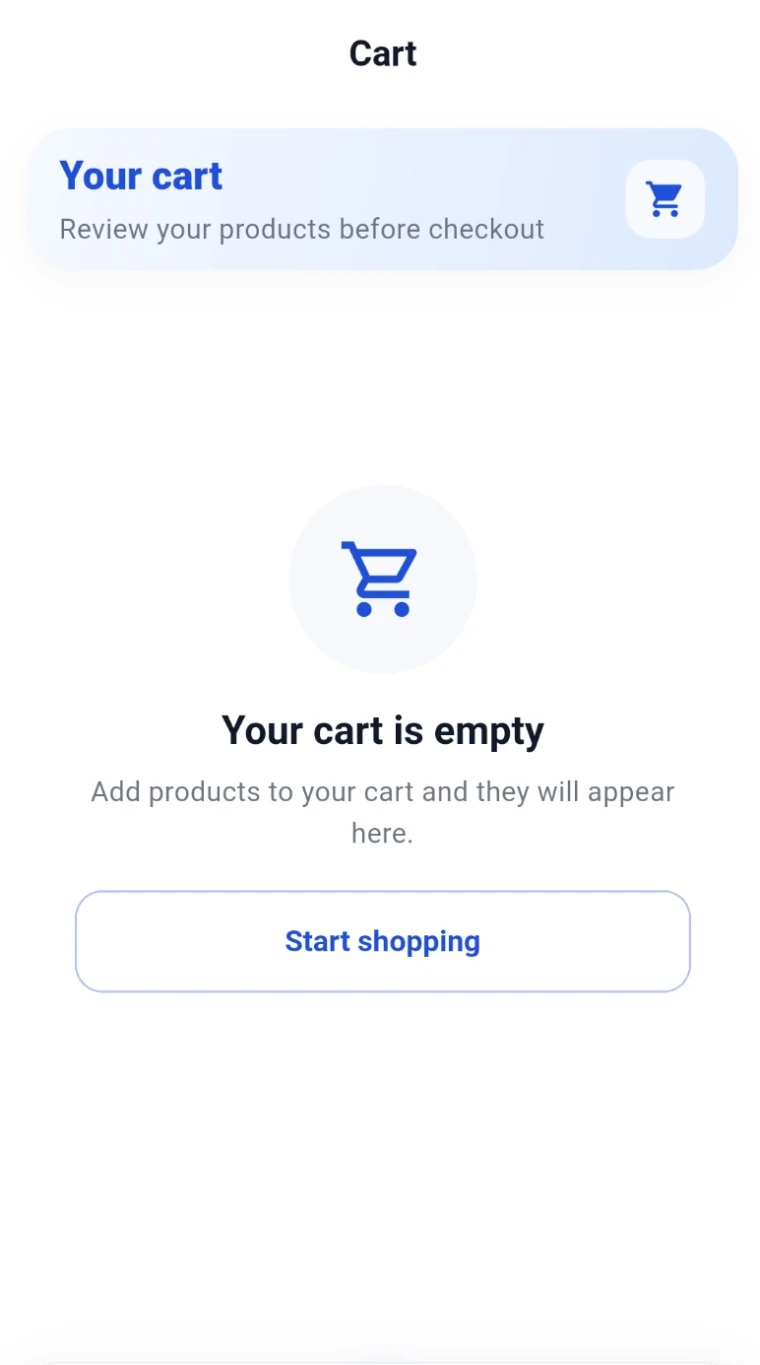
Add selected products and review the cart.
Review the delivery address and order information.
Pay when the order arrives.
Review order status and app notifications.
A privacy-reviewed showcase brings together search, favorites, account tools, and a data-free order-status illustration.
Real interface examples are sanitized derivatives of owner-provided source material; the order-progress visual is code-native.
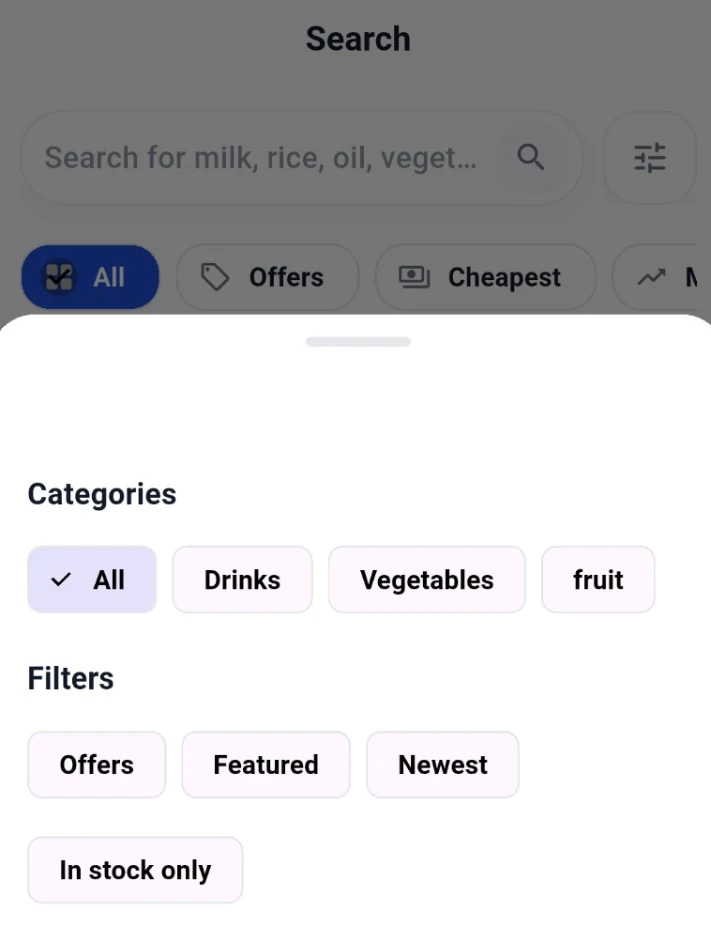
Refine product discovery with categories and practical filters.
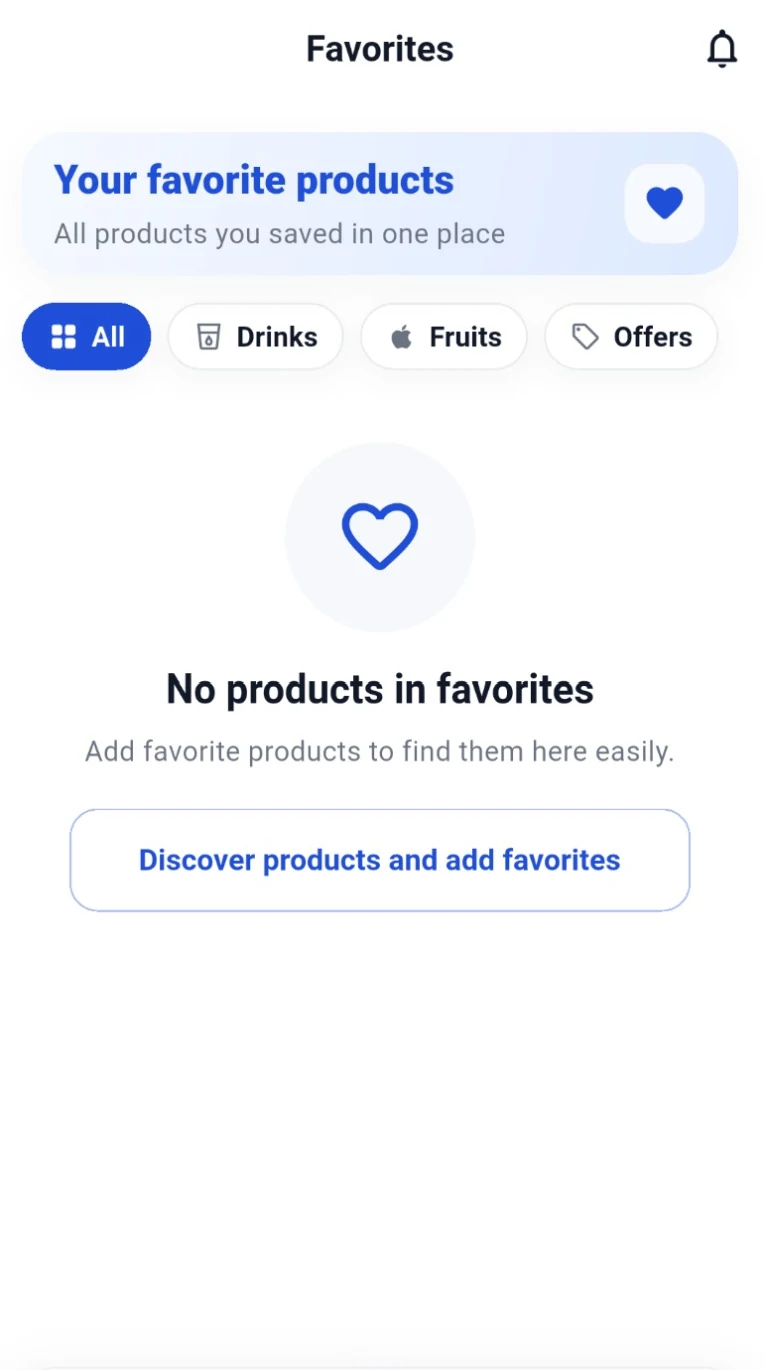
Keep saved products together for a later visit.
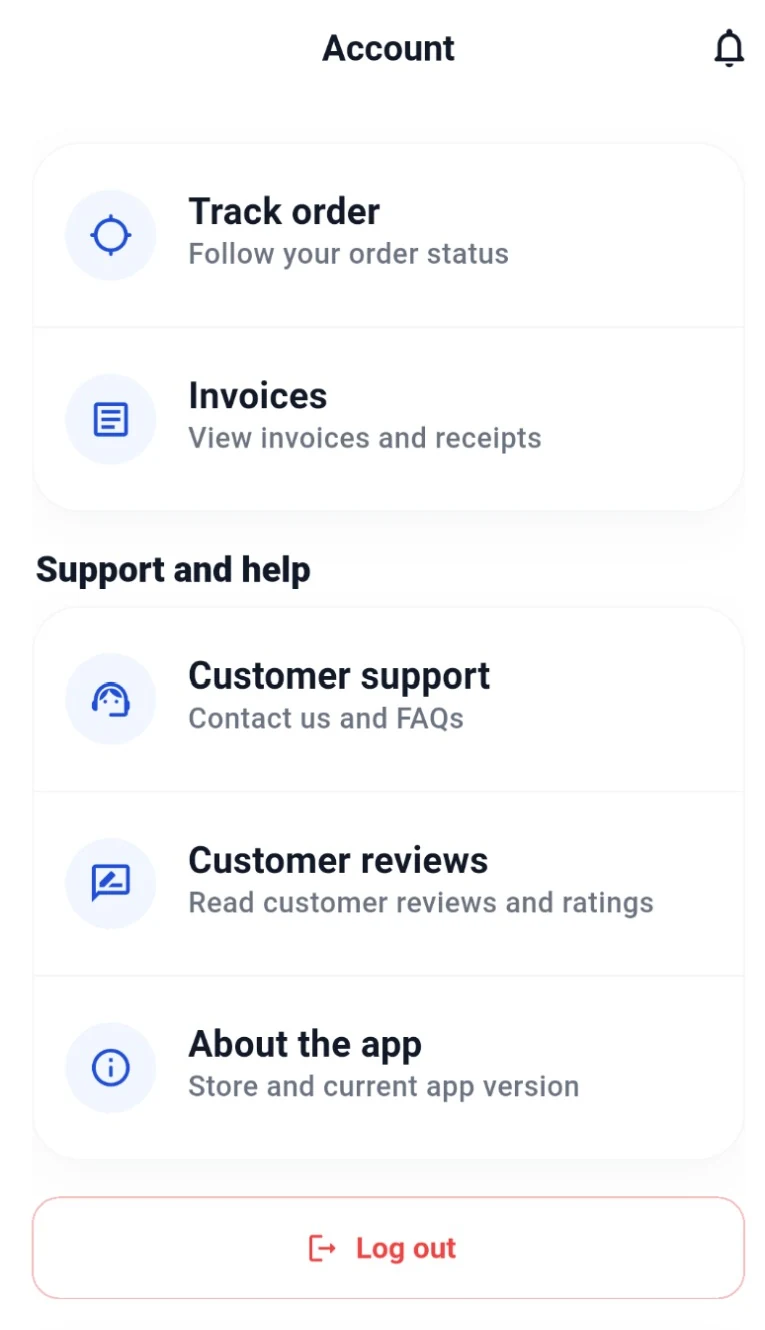
Reach order, receipt, support, review, and app-information pathways.
Review current order progress and updates in the Customer App.
The app supports the core actions needed before an order is confirmed.
Explore available products in the customer interface.
Use search and filters to find what you need.
Save products to revisit later.
Add products and review selected items.
Review the address and order details before confirmation.
The Customer App connects order details, delivery addresses, cash on delivery, status updates, and notifications.
Delivery zones, charges, minimum order values, and timings are not yet published.
View delivery informationThe Customer App supports English, Arabic, and Russian interfaces.
The language of product content may depend on approved store information.
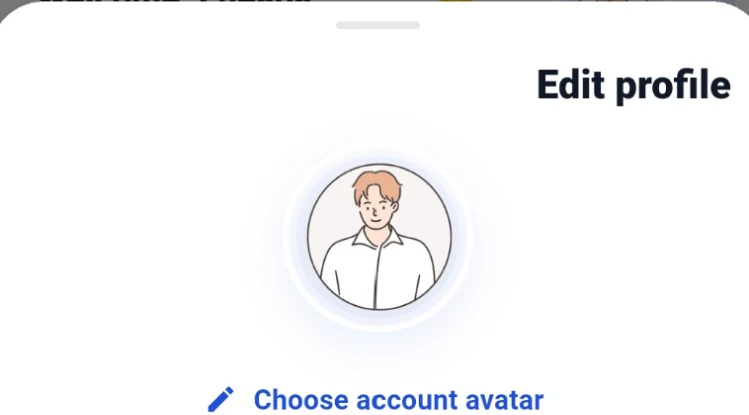
Personalize your account by choosing an illustrated avatar that suits you.

Both public releases are in preparation. This page will later provide verified destinations.
A verified Google Play link is not available yet.
A verified App Store link is not available yet.
No store badge, QR code, or download destination is displayed until it is verified.
The app includes customer profile, saved address, and order access. Policy and account-control details remain on dedicated website pages.
Use the permanent Account Deletion page for the approved process when published.
Open Account DeletionAnswers based only on confirmed app functionality and release status.
You can browse and search products, use favorites, prepare a cart, confirm order details, manage addresses, view orders, follow status updates, and receive notifications.
Public Android and iOS releases are being prepared. Verified store links are not available yet.
The app interface supports English, Arabic, and Russian.
Yes. Cash on delivery is supported.
The app supports order status updates and notifications. No live map feature is claimed.
Use the Support page or email info@almadina-market.com.
Use the permanent Account Deletion page. The final approved process is still being prepared.
Return for verified Android and iOS links after publication, or contact ALMADINA MARKET for current information.